things i wish i knew before making websites

Websites are the first point of contact between a brand and its customers. Sometimes informative, sometimes transactional, sometimes just there to generate leads. They may seem straightforward but there's a lot more going on beneath the surface than great looking screens. Here's what I picked up after building several of them.
1. Structure every client meeting — before and after the design
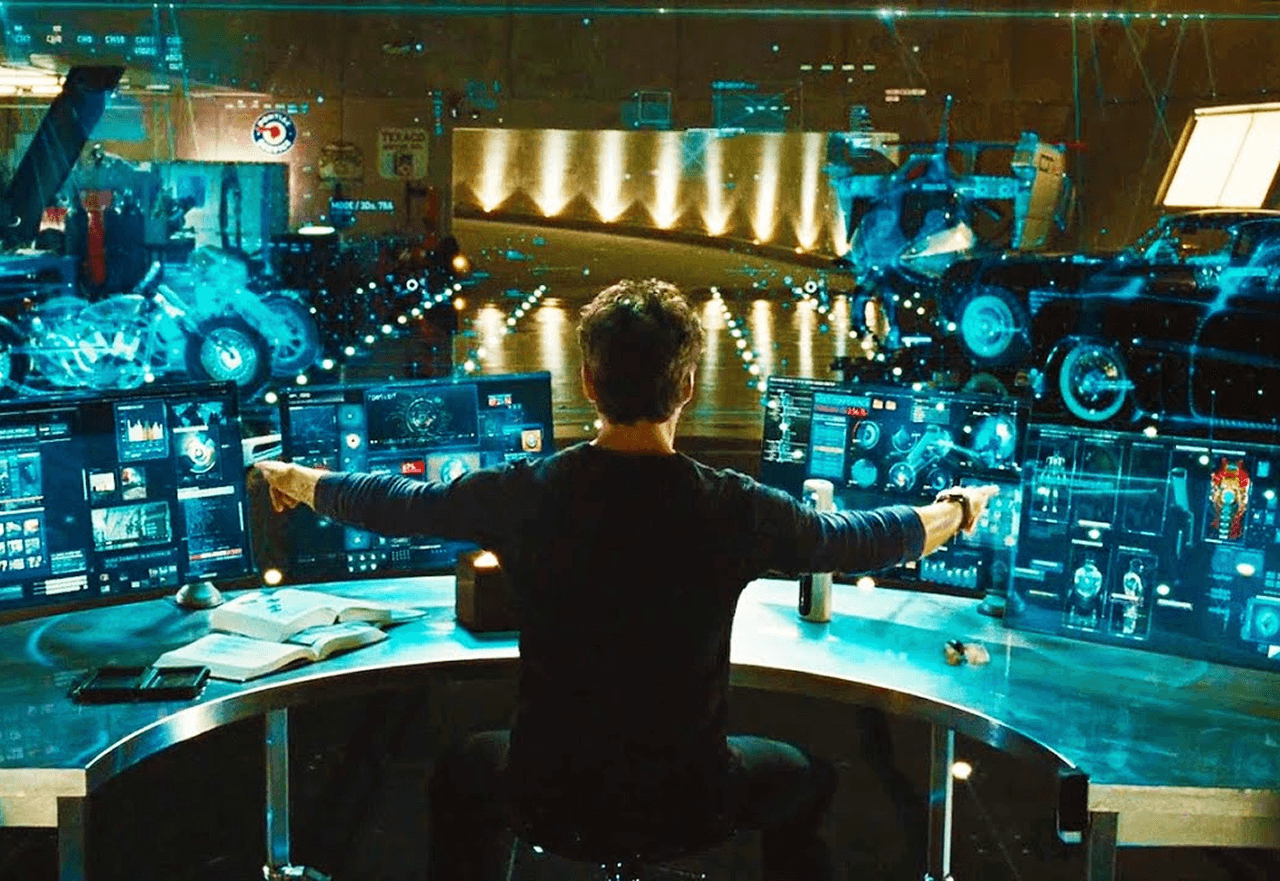
Every website project starts with a discovery call. The client briefs you, you ask questions, you get clarity. But what happens in the next meeting matters just as much. Before you show any design, show what you understood — benchmarking against their competitors, how you plan to address their requirements, and what will differentiate them. If you're introducing a new feature, have a prototype ready so they can actually visualise it rather than imagine it.
After the presentation, brief your developer. Tell them what's coming, flag any complex interactions, and give them a chance to raise constraints early. This clears your path while designing and saves everyone from surprises later.
2. Never use dummy content

Lorem ipsum hides real problems. The moment you put placeholder text in a design, you lose the ability to see how the content actually flows, whether the layout holds up, and whether the copy fits the space. Use AI to generate content that's close to the real thing — it helps you design more accurately, gives content writers a length reference, and when you present to clients they can actually read the narrative and tell you if something feels off. Dummy content delays all of those conversations to the worst possible time.
3. Learn the basics of your development tool
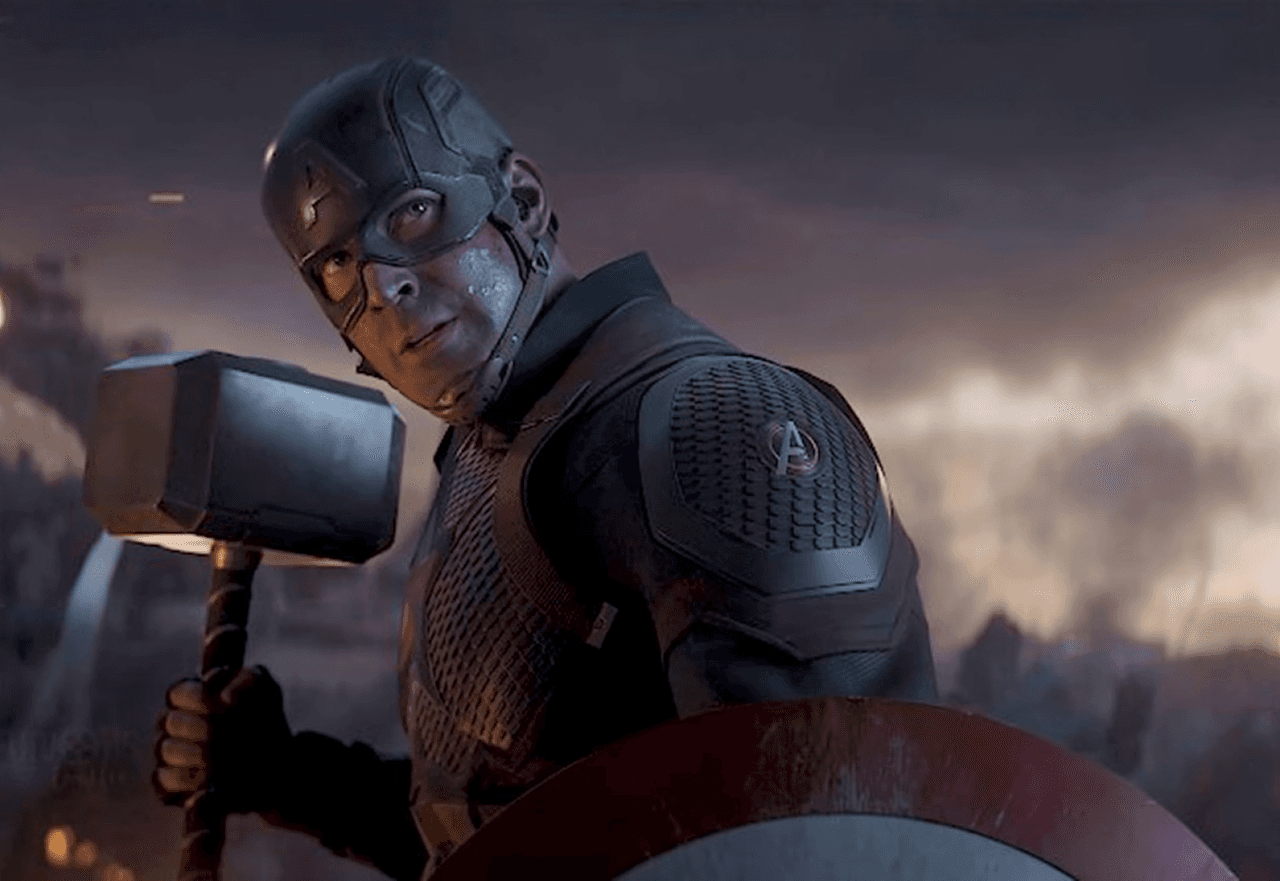
This one changed how I worked. When websites are in development, things move slowly — back and forth between designer and developer for every small change. When I started getting access to the elementor and making changes myself — content, images, sometimes even layouts — the pace changed completely. You have more control, fewer handoff errors, and you stop being dependent on someone else's schedule for small fixes. Even basic WordPress or Shopify knowledge goes a long way.
4. Wireframes are sometimes a waste of time

Not always — but often. In a fast-moving agency environment there's rarely time for a full wireframe phase, and showing clients black and white screens with no context increases their anxiety rather than building confidence. They want to see their website coming to life. For internal alignment, a quick conversation about site structure is usually enough. Get the design ready, get early feedback, and move into development. The iteration happens faster when there's something real to react to.
5. Fonts and images — specify everything
Small things that cause big problems. Always use web-safe or Google Fonts — custom or third-party fonts can be expensive to license and inconsistent across browsers. Whenever you adjust kerning, line height, or font weight, communicate it explicitly to your developer — they set global font styles at the start and small changes can break consistency across the whole site.
For images, never export directly from Figma. File sizes are usually too large and will slow down your load times significantly. I use Photoshop's web export feature to compress images without losing quality. And always name your files properly — create a naming convention and stick to it. In WordPress, the file name is often picked up as alt text which is good for SEO and accessibility.
6. Always back up the existing site before going live

Right before launching a redesign, create a full backup of the existing website. It's good for records, useful if the client ever wants to reference the old version, and essential if something goes wrong with the new one. Migrations break, plugins conflict, hosting environments differ — having a restore point means a bad launch doesn't become a disaster. It takes ten minutes and has saved projects more than once.
7. Good content builds trust — and bad content breaks it
The copy and images on a website do more work than most people give them credit for. Not just from an SEO or marketing perspective — but from a pure perception standpoint. A sharp, specific headline tells a visitor immediately that this brand knows what it's doing. Vague copy does the opposite. The same goes for images — well lit, well composed photography elevates a website instantly. AI generated images can look great initially but they age badly and people are getting better at spotting them. If budget allows, a real photo shoot is always worth it. Real people, real products, real spaces — nothing replaces them for building trust.
These aren't things you find in a course or a tutorial. They come from projects that went wrong, clients who pushed back, and developers who had to fix things that should never have been broken in the first place. If even one of these saves you a headache on your next project, this was worth writing.
date published
May 17, 2026
reading time
8 min
